Answer sheet (Antwortbogen): just like the real exam
Nothing you write in the question booklet counts; only the answer sheet does. On Level Exams the answer panel is the digital equivalent of exactly that sheet.
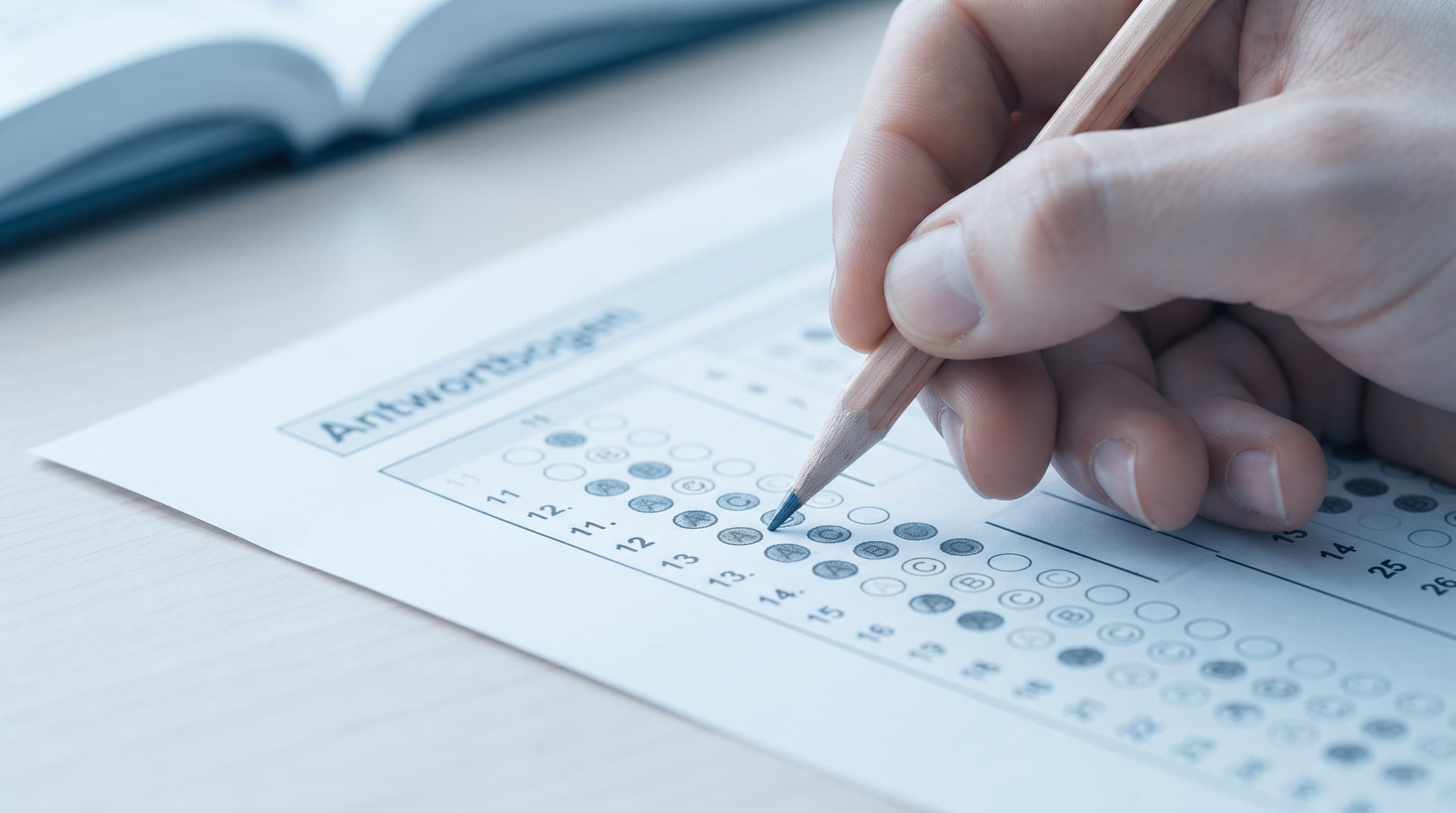
The only graded document of the telc written exam is the answer sheet (Antwortbogen). It is machine-read, every item has a number, and each part's answers go in a specific area. A candidate who writes the right answer in the booklet and forgets to transfer it is counted as having left it blank.
It is the most mechanical and the most merciless rule of the exam, and the reason experienced teachers keep repeating 'answer sheet first'. On Level Exams the answer panel is an Antwortbogen that stays on screen throughout the exam and lists the items with the real sheet's numbers; this is where you build the marking habit.
Below: the rules of the real answer sheet, how the panel works, and the number ranges per level.
How the answer sheet works in the real exam
The answer sheet is handed out at the start; it has fields for name, date of birth and candidate number. Items are numbered per part; multiple choice uses letter boxes, true/false two boxes, matching a written letter.
Marks must fill the box completely. An item with two boxes filled counts as wrong; an erased and corrected mark that cannot be read counts as wrong too.
The writing text is also written on the relevant page of the answer sheet; text outside the designated area may not be assessed. The speaking exam has its own assessment form and nothing for the candidate to mark.
When time is up the sheet is collected. In listening, a short time is allowed after the recording to transfer answers; in reading, the transfer is part of the section time.
The answer sheet at Goethe and ÖSD
At telc answers are marked on a separate Antwortbogen; nothing written in the question booklet is scored.
Goethe and ÖSD also use a separate answer sheet. The time allowed for transferring and when it happens in each section varies by provider and by part; in digital sittings a screen replaces the paper, but the transfer discipline is the same.
So what has to become automatic is not the sheet itself but the habit: mark each answer against its own number immediately, do not save it for the end. When time runs out, correct answers left in the booklet count for nothing.
The answer-sheet panel here is modelled on telc's Antwortbogen. The habit it builds is the same whichever provider you sit; see the exact layout in that provider's own sample exam.
How the Level Exams answer panel works
The panel uses the numbering and section structure of the real Antwortbogen; which numbers belong to which section is read from the format file.
Items with the real sheet's numbers
Each section's items are listed with their answer-sheet numbers. When you hear 'Nummer sieben' in listening, you look for 7 in the panel, exactly as on exam day.
Autosave every few seconds
Every mark is saved to the server at short intervals. The tab closes, the connection drops, you switch devices; no saved answer is lost. The interval is defined in the format file.
A visible warning in the final minutes
As the section nears its end the panel warns you; how many items are still blank is visible at a glance. The equivalent of the 'five minutes' announcement.
Blank items are visible, but not forced
The panel shows blank items but does not force you to fill them. Nobody fills an empty box for you in the real exam either; the cost of leaving it blank shows in the results report.
The panel locks when the section ends
When you move to the next section the previous panel closes, like a collected sheet. The results report shows how you marked each item.
A writing area with a word counter
In writing tasks the text area shows a word target as the equivalent of the space limit on the real sheet; you see while writing whether you are under or far over it.
The answer sheet by level
The answer-sheet number range, the autosave interval and the final-warning time come live from the format file.
Why the panel habit saves points
Transfer losses drop to zero
Writing in the booklet and forgetting to transfer is the most pointless loss in the exam. A candidate used to marking directly in the panel does not suffer it.
Number tracking becomes a reflex
Finding the right number while following the recording takes time. In mock exams the reflex settles; on exam day it happens without thinking.
Your blank-item strategy becomes clear
Wrong answers cost nothing; seeing the difference between leaving blank and guessing in the results report lets you set your strategy.
Practical rules for the answer sheet
- 1
Mark each task as soon as you finish it
When a part ends, all its answers should already be in the panel; do not leave a bulk transfer for the end.
- 2
Do not leave blanks, guess
In telc a wrong answer does not lower your score. Mark the items you are unsure about too; fill the remaining blanks in the final minutes.
- 3
Watch for number shifts
If you skip an item, every later mark shifts. The panel prints the item number on every row; match the number to the audio as you go.
- 4
Keep an eye on the target in writing
If the word counter is far below target the content is incomplete; far above it the error risk rises. Both cost points.
Frequently asked questions
›How similar is the panel to the real answer sheet?
The numbering, section structure and answer types (letter, true/false, matching) are the same. It is not a physical optical form, but you will see the same numbers on exam day.
›Can I change an answer?
While the section is open, yes, as often as you like. Once the section closes you cannot; in the real exam nothing can be changed after the sheet is collected.
›How often are my answers saved?
Every few seconds; the exact interval is in the table. The final state is also saved at every section transition.
›Do wrong answers cost points?
No, there is no negative marking in telc. That is why leaving a blank is never better than guessing.
Try the panel in the listening section
Mark answers while following the recording in the free mock exam, so the sheet feels familiar on exam day.
Start the free mock exam